WinShark Casino App
How to Install the WinShark App?
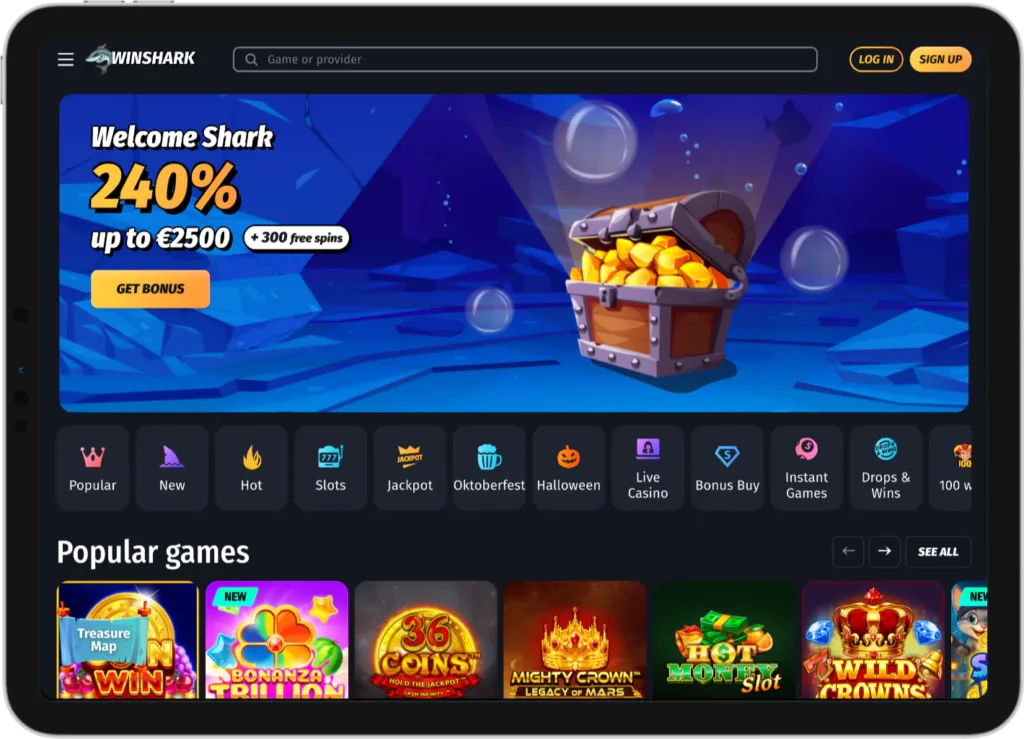
Currently, the WinShark casino app is under development. While we are creating the perfect mobile casino app, we have optimized the WinShark mobile browser experience.
You can access WinShark via the browser on your mobile device. Because its been optimized, its offers a fast and smooth experience. The screen automatically resizes to fit your device and everything is in the same place as on the standard website.
You don’t need to download WinShark casino app, instead, add a link to your homescreen and access our site with a single click from anywhere.
On Android Devices
- Log into your Android device and open a web browser
- Go to the WinShark website
- Find and tap on the three dots in the top right of your screen
- A drop down menu appears, select ‘add to home screen’. A small icon will appear on your homescreen
- To move the icon to your preferred location, tap and hold the icon. It will change colour and you can drag it to your desired position
Most browsers are the same. However, if you’re using Firefox you’ll need to hold the web address to get the menu which allows you to add it to the homescreen of your phone.
Using An iOS Device
It’s similar on an iOS device:
- Open your Safari web browser
- Navigate to WinShark casino
- You’ll find a share option at the bottom of the screen. It’s an open box with an arrow coming out of it. Tap it
- Look through the menu that appears and find the option to ‘add to homescreen’ – select it
- You’ll be given the option to name the shortcut before it’s added to the homescreen
Once the shortcut is in position you can use your mobile version of the site at any time with just one tap of the shortcut icon.
Difference Between the WinShark Casino Mobile App and the PC Version
There are a few differences between the WinShark app and the desktop site:
| Mobile online casino | PC | |
| Layout | Single layout option with larger buttons and text – easier to read on small screens | Multiple data columns and sidebars which provide more information |
| Navigation | Can be faster as they use hamburger menus – simple lines which hide most information | Dropdown menus and sidebars |
| Interface | Larger buttons and the Win Shark app has gesture capability. Allowing you to swipe to move between screens | More data on screen as mouse and keyboard options can be highly precise |
| Loading speed | Data compacted to decrease loading time, essential for mobile casino games | Slower due to array of data, nothing is compacted on a PC website |
Bonuses and Promotions
Every bonus on the main website is available on the Win Shark casino app. You can download Win Shark casino app at any time and claim your bonus via your PC or the app.
Here’s what bonuses are available after you download app:
| Bonus | Details |
| Welcome – 1st Deposit | Get a 100% match on your first deposit up to $250, plus 50 free spins. |
| Welcome – 2nd Deposit | Receive an 80% bonus on your second deposit, up to $300, along with 75 free spins. |
| Welcome – 3rd Deposit | Enjoy a 60% bonus on your third deposit, up to $500, and 125 free spins. |
| Cyber Reload | Deposit during the weekend and claim a 50% reload bonus up to $300. |
| Floating Cashback | Earn cashback based on your VIP level. The highest tier offers 15% back on losses, up to $500. |
| Madnessday Bonus | Every Wednesday, get a 40% match bonus up to $250 on your deposit. |
| Daily Bonus | A different offer every day — deposit the required minimum to receive free spins or other rewards. |
| Exclusive Bonuses | Special promotions available only to players connected through the WinShark mobile casino on Telegram. |
There are not currently any specific mobile casino bonus options. The same bonuses are available via mobile and PC.
There is an alternative high-roller first deposit for anyone who deposits over $500 via mobile device or PC. It gives you 50% of your deposit up to $3,300 and 100 spins.
We also have a WinShark shop where you can exchange coins for spins or cash.
Don’t forget, all bonuses, even those accessed on mobile devices, are subject to wagering requirements.
How to Start Playing in the WinShark App?
You can start playing directly from the mobile version of our site. You’ll simply need to do the following:
- Visit our webpage from your mobile
- Instead of trying to download WinShark app, simply visit the website and add a shortcut to your homescreen,
- Go to the mobile game site
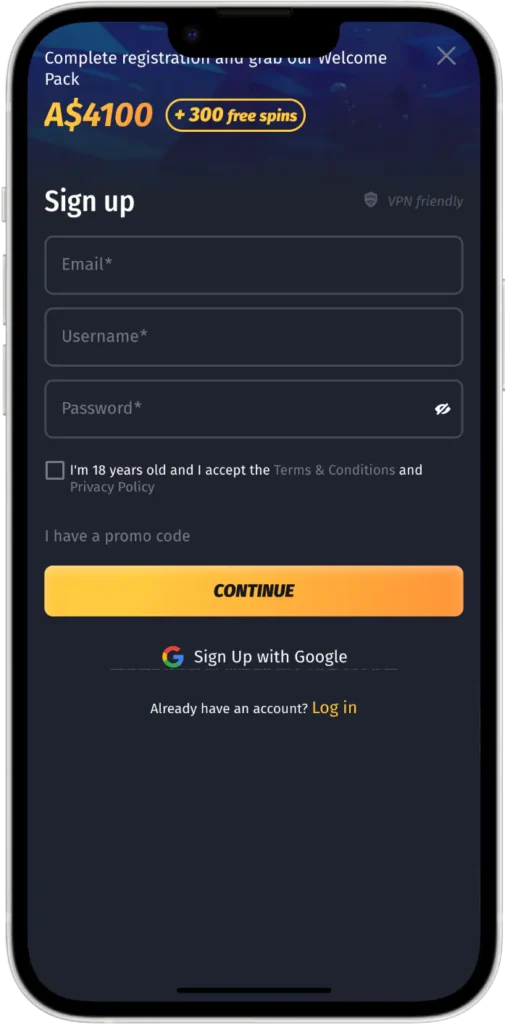
- Tap the sign up option in the top right of your screen
- Complete the details, including name, address, and make a password
- Confirm your details are correct. That’s it, you’re ready to play at mobile casino
Don’t forget, before you can play on the mobile app you’ll have to add some funds to your account and claim any bonus you’re entitled to.
While you may not have needed to download Win Shark casino app you’ll be pleased to know that your account can be used on mobile and PC, regardless of where you created it.
WinShark Casino App Security
Here at WinShark we take the security of your data very seriously, our reputation relies on it.
We use the latest 256-bit SES encryption to keep your data safe, this is the same whether you’re on the PC, optimized mobile app, or you download Win Shark app in the future.
This ensures all data is encrypted from end to end, making it difficult for anyone to hack it.
Alongside this, we have a dedicated team of professionals monitoring our security and ensuring that any issue is quickly addressed.
To maintain security we recommend you log in via a secure wireless connection, avoid using public Wi-Fi.
We also ensure your security by partnering only with reputable game providers and payment suppliers. This ensures your data isn’t being stolen under our noses.
As part of our commitment to app security, WinShark also asks that you log out of your mobile app when you’re not using it. This will prevent any issues if your phone is stolen or simply misused.